How an Accountant Can Cut Data Entry Time by 60% with n8n, Mistral AI and Google Sheets
Marie, a chartered accountant in Paris, cut invoice data entry time by 60% in 3 weeks using n8n, Mistral AI and Google Sheets. Full step-by-step guide.
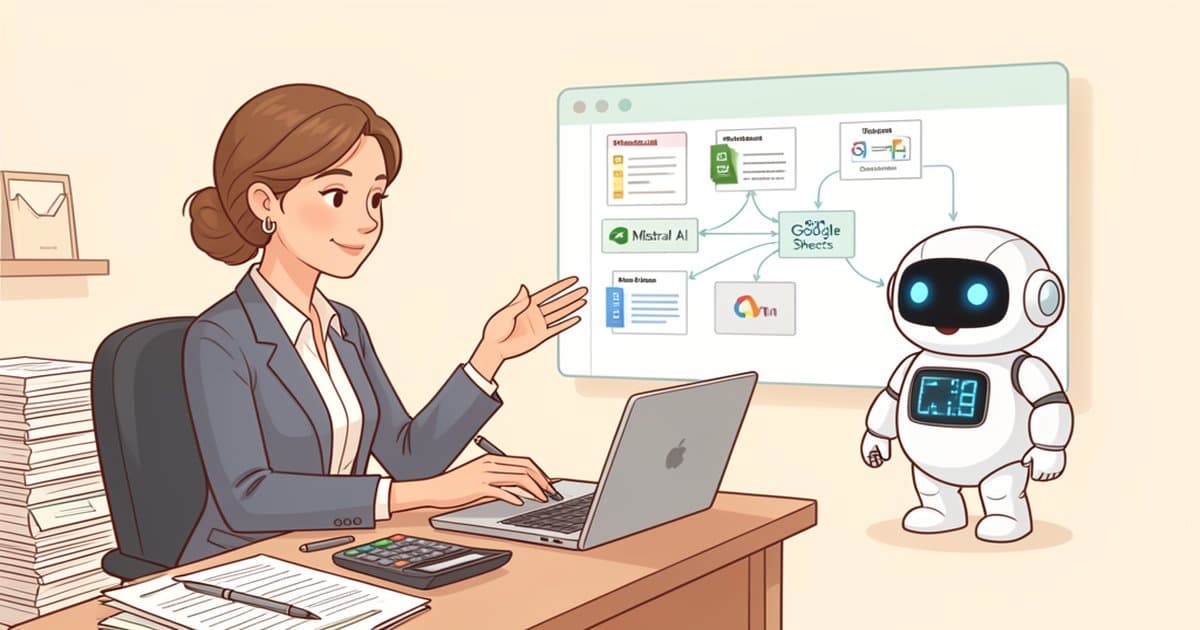
Marie is a chartered accountant in Paris. For years, she spent close to 15 hours a week manually re-entering her clients' supplier invoices into accounting software. A repetitive task, prone to errors, and a poor use of her real expertise: advisory work, financial analysis, client relationships.
In three weeks, by connecting the automation tool n8n to the Mistral AI to automatically extract data from PDF invoices and feed it into Google Sheets, Marie cut her data entry time by 60%. Here is how, and why this kind of project is now within reach of most independent professionals and small businesses.
A problem every accounting firm knows well
Manual invoice entry remains one of the most time-consuming tasks in accounting. According to a Bpifrance Le Lab study published in June 2025, 55% of French micro and small businesses reported using generative AI by the end of 2025, up from just 31% a year earlier. A fast shift, but one that still leaves most firms running largely manual processes for repetitive tasks like data entry.
The potential gain is well documented. According to McKinsey France (The State of AI in Business, 2025), SMEs that adopt AI in a targeted way see average productivity gains of 20 to 25% and a 15 to 20% reduction in operating costs within the first 18 months of deployment.
Marie's solution: n8n, Mistral AI and Google Sheets
The workflow built for Marie relies on three simple building blocks, all accessible without a large budget:
- Automatic invoice intake. PDFs received by email or dropped into a shared folder automatically trigger the n8n workflow, with no manual intervention.
- Intelligent data extraction. The document is passed to Mistral Small 4, the Mistral AI model that now integrates advanced vision capabilities (inherited from the former Pixtral line). It identifies the supplier, the amount, VAT, due date and invoice number, even across inconsistent formats.
- Injection into Google Sheets. Structured data is automatically added to a tracking spreadsheet, timestamped and linked back to the original PDF for traceability.
In practice, an invoice that previously required 4 to 6 minutes of manual re-entry (reading, checking, copying) is now processed in seconds, with a quick human review at the end of the chain instead of full manual entry.
The results, in numbers
Before automation, Marie processed around 350 invoices a month across her client portfolio, for 15 hours of weekly data entry. After the workflow was deployed:
- Weekly data entry time cut by 60%, roughly 9 hours recovered every week.
- A sharp drop in entry errors, consistent with the trend reported by Sage (2025), which points to error reductions of up to 75% thanks to OCR combined with intelligent validation.
- Return on investment reached in under two months, in line with Gartner's findings that automation projects in SMEs typically pay back within 6 to 12 months, with data entry and bank reconciliation cases tending toward the shorter end of that range.
The freed-up time was reinvested in higher-value work: tax advisory, budget support, and cash flow monitoring for her small business clients.
Why small, focused projects work better
A joint MIT Sloan Management Review and BCG report (2025) found that only 5% of companies manage to generate substantial, lasting value from their AI projects, while 60% remain laggards with minimal gains. The difference is not budget size, it is method: organizations that succeed start from a precise, measurable use case before scaling up.
This is exactly the logic behind the approach I use with my clients: a precise diagnostic and scoping phase before any technical implementation, to avoid spreading effort across ten half-finished automations. For an accounting firm, that means choosing a single workflow (supplier invoices, for example) before even thinking about automating expense reports or client follow-ups.
Practical advice for independent professionals and small businesses
If you are an accountant, a lawyer, or a small business owner still spending hours on manual data entry, here are three steps to get started without overreaching:
First, actually time how long you spend on a repetitive task over a full week. This is often when people discover the real figure is much higher than their initial estimate.
Second, test a data extraction tool (Mistral AI, or an alternative) on a sample of 20 to 30 real documents before committing to anything, to check the reliability rate on your own invoice formats.
Third, do not try to automate everything at once.
A question of method, not just technology
Marie's story illustrates a simple reality: the technology needed for this kind of gain already exists, and it costs little. What is most often missing is a clear method to scope the project, choose the right tools, and support teams through the change.
If you want to assess the automation potential of your own data entry or document processing workflows, get in touch to discuss your situation.
Frequently asked questions
Do I need to be a developer to set up this n8n workflow?
No. n8n is a no-code tool built around visual blocks. Once the workflow is built, day-to-day use requires no technical skills. The initial setup (1 to 2 days) can be outsourced or learned through self-training.
How much does this kind of automation cost for a small firm?
Monthly costs typically range from 80 to 200 euros (n8n hosting, Mistral AI API, Google Workspace subscription), excluding setup time. For a firm processing several hundred invoices a month, the investment is recovered within 2 to 4 months.
Is my accounting data safe with Mistral AI?
Mistral AI is a French company subject to GDPR, which reassures many accountants about data location and processing. It is still recommended to review the API terms of use and encrypt data flows, particularly for sensitive client information.
Does this workflow work with tools other than Google Sheets?
Yes. The same n8n and Mistral AI architecture can feed an accounting ERP, software like Pennylane or Sage, or a database. Google Sheets is used here for its simplicity and zero cost, ideal for getting started.
Where should I start if I've never used n8n before?
Start with a single document type (supplier invoices, for example) and one simple workflow. A quick audit of your data entry processes helps identify the most repetitive task to automate first, before extending the approach to other workflows.